


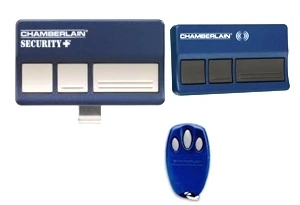
Chamberlain Remotes & Garage Door Clickers



How to Find Your Chamberlain Garage Door Remote
You do not need your remote's part number. You need the colour of the learn button on your opener. That one detail tells you which radio format your system uses, and everything else follows from it.
Chamberlain, LiftMaster and Craftsman are the same radio platform. Chamberlain owns all three brands and they share the same rolling-code system generation by generation. A matching-generation remote from any of them will work on your opener — only the badge on the front differs.
Step 1 — find the learn button
It is on the motor unit, not the wall control. Get a stepladder and look at the back or the side of the opener, usually beside the antenna wire hanging down. On some models it sits under the light lens.
Step 2 — match the colour
| Learn button | Format | Era | What to order |
|---|---|---|---|
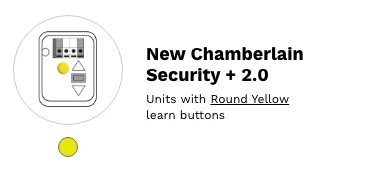
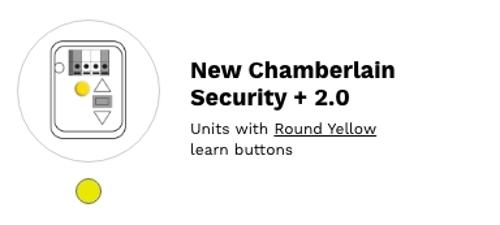
| Yellow | Security+ 2.0 | 2011 onward | 953EV / 956EV, or the 893MAX |
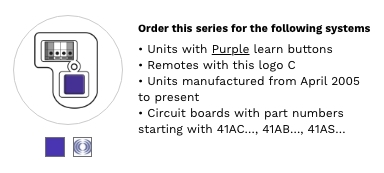
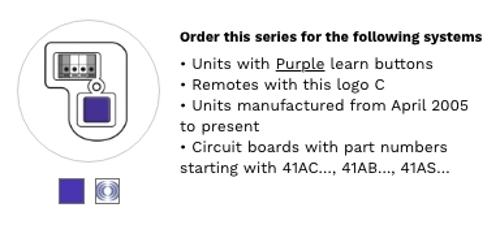
| Purple | Security+ 315 MHz | 2005–2011 | 953D / 950D |
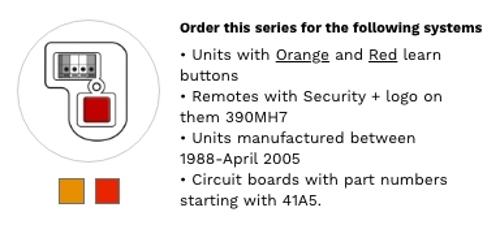
| Red / orange | Security+ 390 MHz | 1997–2005 | 950CB |
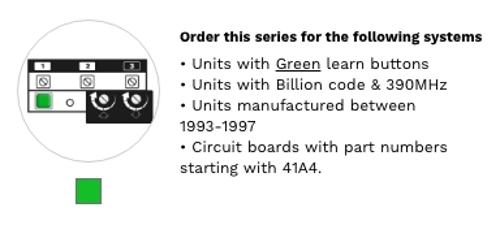
| Green | Billion Code 390 MHz | 1993–1997 | 893MAX |
| Grey / white / none | Dip switches | Pre-1993 | Open your old remote, count the switches, and call us |
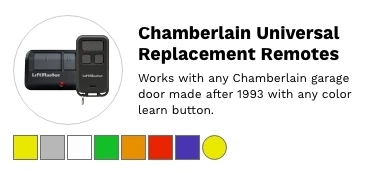
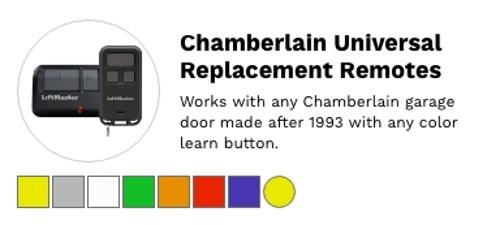
Want one remote that covers everything? The 893MAX is tri-band across 310, 315 and 390 MHz, so it works on yellow, purple, red, orange and green learn button openers — Chamberlain, LiftMaster or Craftsman. It also programs at the opener rather than learning from another remote, so it works even if you have lost every remote you had.
Chamberlain part numbers decoded
Chamberlain remotes are numbered by button count, and the letters on the end tell you the generation. This is the part that catches people out: a 950CB and a 950CD look almost identical and will not work on the same opener.
| Suffix | Format | Learn button |
|---|---|---|
| CB | 390 MHz | Red / orange |
| D and CD | 315 MHz | Purple |
| EV | Security+ 2.0 | Yellow |
The leading digits give the button count: 950 is single-button, 953 is three-button visor, 956 is three-button keychain.
Chamberlain to LiftMaster cross-reference
If you have found a LiftMaster part number and want to know the Chamberlain equivalent — or the other way round — these are the same remotes under different badges.
| Chamberlain | LiftMaster | Buttons | Frequency | Learn button |
|---|---|---|---|---|
| 950CB | 971LM | 1 | 390 MHz | Red / orange |
| 950D / 950CD | 371LM | 1 | 315 MHz | Purple |
| 953D | 373LM | 3 | 315 MHz | Purple |
| 953EV | 893MAX | 3 | Security+ 2.0 | Yellow |
| 956EV | 890MAX | 3, keychain | Security+ 2.0 | Yellow |
How many buttons do I need?
| You need | Get this |
|---|---|
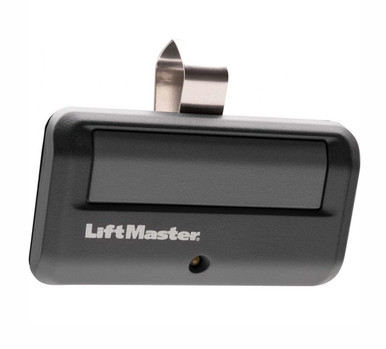
| One door, cheapest option | The single-button remote for your colour — 950CB for red/orange, 950CD for purple |
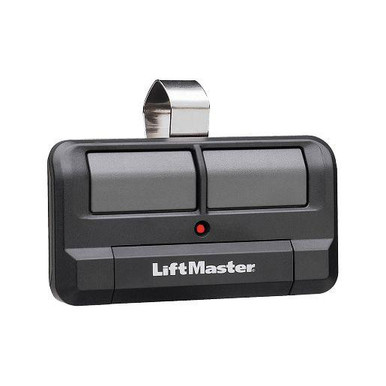
| Two doors | 892LT or L932M |
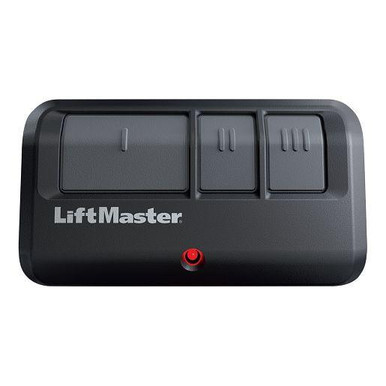
| Three doors, or mixed openers | 893MAX or L993M |
| Four doors | 894LT |
| Something for a keyring | 890MAX or 956EV |
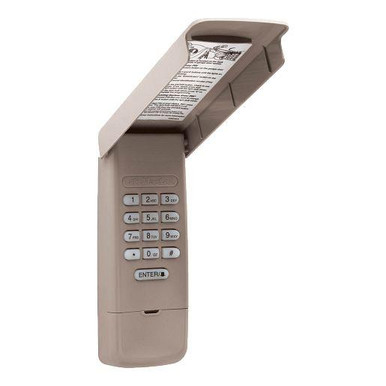
| A keypad by the door instead | 878MAX or L979M |
Chamberlain gate opener remotes
Chamberlain gate operators use the same radio formats as the garage door openers, so the same remotes work. On a gate the learn button is inside the control box rather than on the outside of the machine. If your gate runs a LiftMaster-badged operator — common on residential driveways — a Chamberlain remote of the matching generation will still operate it.
Clicker and universal remotes
Chamberlain's Clicker range — the KLIK models — is designed to work across brands. They learn the code from an existing working remote rather than carrying a fixed format, which makes them useful on a property running more than one manufacturer's equipment.
A universal needs a working remote to learn from. If you have lost every remote you had, a Clicker cannot help. Order a matching-generation remote or the 893MAX instead — those program at the opener itself.
Programming your Chamberlain remote
1. Press and release the learn button on the motor unit. The LED beside it comes on for about 30 seconds.
2. Within those 30 seconds, press the button on the new remote.
3. The opener light flashes or the unit clicks to confirm. Test the door.
To erase every remote from memory — worth doing if you have just bought the house, or lost one — press and hold the learn button until the LED goes out, around six seconds. That clears them all, so reprogram every remote you want to keep.
Common questions
Will a LiftMaster remote work on my Chamberlain opener? Yes, if the generations match. Chamberlain owns LiftMaster and Craftsman, and all three share the same radio platform. Go by the learn button colour, not the brand on the remote.
What is a Chamberlain clicker? Clicker is Chamberlain's brand name for its universal remote range. People also use "clicker" as a general word for any garage door remote — if you are just after a replacement, the colour table above is your starting point.
What is the difference between a 950CB and a 950CD? The frequency. CB is 390 MHz for a red or orange learn button; CD is 315 MHz for a purple one. They are not interchangeable, and this is the most common ordering mistake on Chamberlain remotes.
Where is the learn button? On the motor unit itself, not the wall control. Usually beside the antenna wire, sometimes under the light lens. You will need a stepladder.
My opener has no learn button at all. Then it is pre-1993 and uses dip switches. Open your old remote — there will be a bank of small switches inside. Call us with the count and we will match it.
My remote worked yesterday and not today. Change the battery before anything else. It is the cause the overwhelming majority of the time.
How many remotes can one opener hold? Most hold several. If a new one refuses to program, the memory may be full — erase and reprogram.
It programs but the range is poor. Check the antenna wire hangs freely from the motor unit and is not coiled up or tucked away.
Where can I buy a Chamberlain remote? Here — we stock the current range and ship the same day on stock items. If you are not sure which one you need, call and we will work it out with you rather than have you guess.
Browse by generation
953EV / 956EV — yellow, Security+ 2.0 · 953D / 950D — purple, 315 MHz · 950CB — red / orange, 390 MHz · not sure? start here
Related
LiftMaster remotes · Security+ 2.0 remotes · Security+ 3.0 remotes · wireless keypads · all remote controls
Not sure which remote you need? Send a photo of the learn button on your opener to parts@gatehousesupplies.com or call 866-965-5599 — we will identify it in a minute.
Chamberlain Remotes & Garage Door Clickers

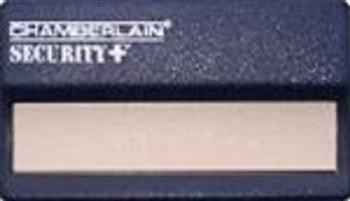

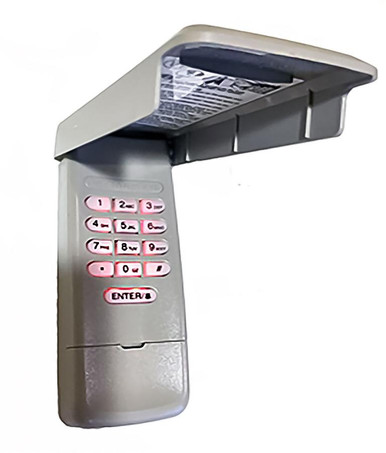
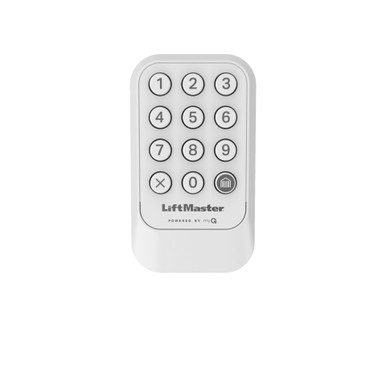


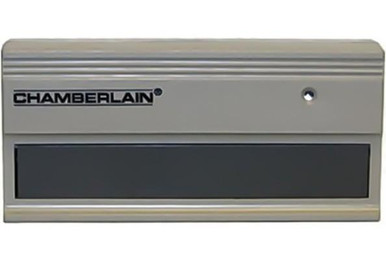


- Chamberlain 300MC Multi-Code 3089 Compatible Remote - 300 MHz, 10 DIP Switch, 1-Button
- LiftMaster 373LM / Chamberlain 953D 3-Button Remote - 315 MHz Security+ (Purple Learn Button) - Also 953CD, 953ESTD, 953EV - Openers 2005 to 2011
- Chamberlain 950CB
- Chamberlain 953EV (use 893 max)
- Chamberlain 750CB replaced by the 61LMC [NO LONGER AVAILABLE]
- Remote Totes RTM Leather Case for Mini Keychain Remotes and Car Key Fobs - Black or Lime Green, Metal Key Ring, Made in USA
- LiftMaster 855LM HomeLink Compatibility Bridge Kit (HOMELINK RPTRMC) - Lets Older In-Car HomeLink Open Security+ 2.0 Yellow-Button Openers
- Chamberlain 956EV Mini key chain remote control
- Chamberlain 956CB (No longer Available Use 890 Max)
- Chamberlain 940EV (use 878max)
- Chamberlain 956D (No longer available use 890 max)
- Chamberlain 850CB No longer available use 893_max